
You owe OLUM money OLUM
An 8-scene chase sequence through Paris featuring a Turkish tea vendor and an Azerbaijani enforcer pursuing a debt collector through impossible Inception dreamscapes
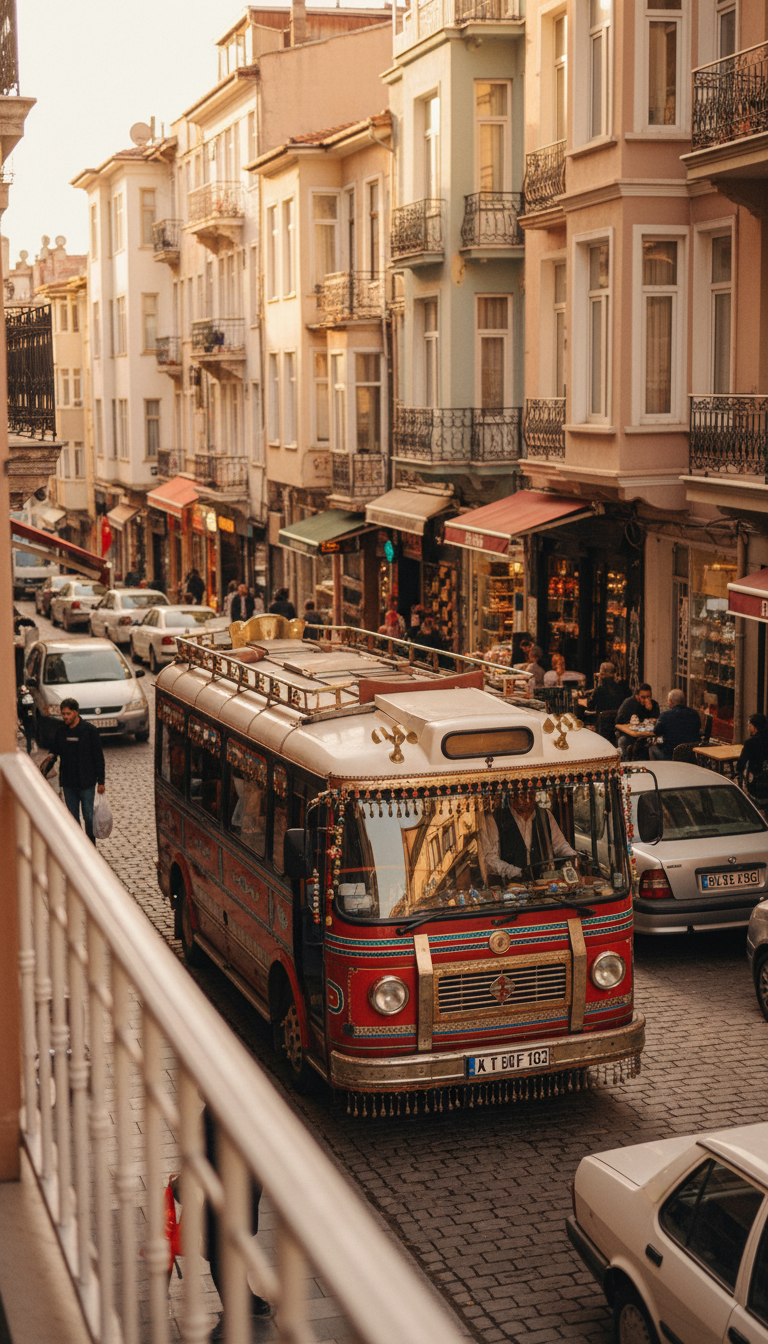
Olum in Ornate Dolmuş
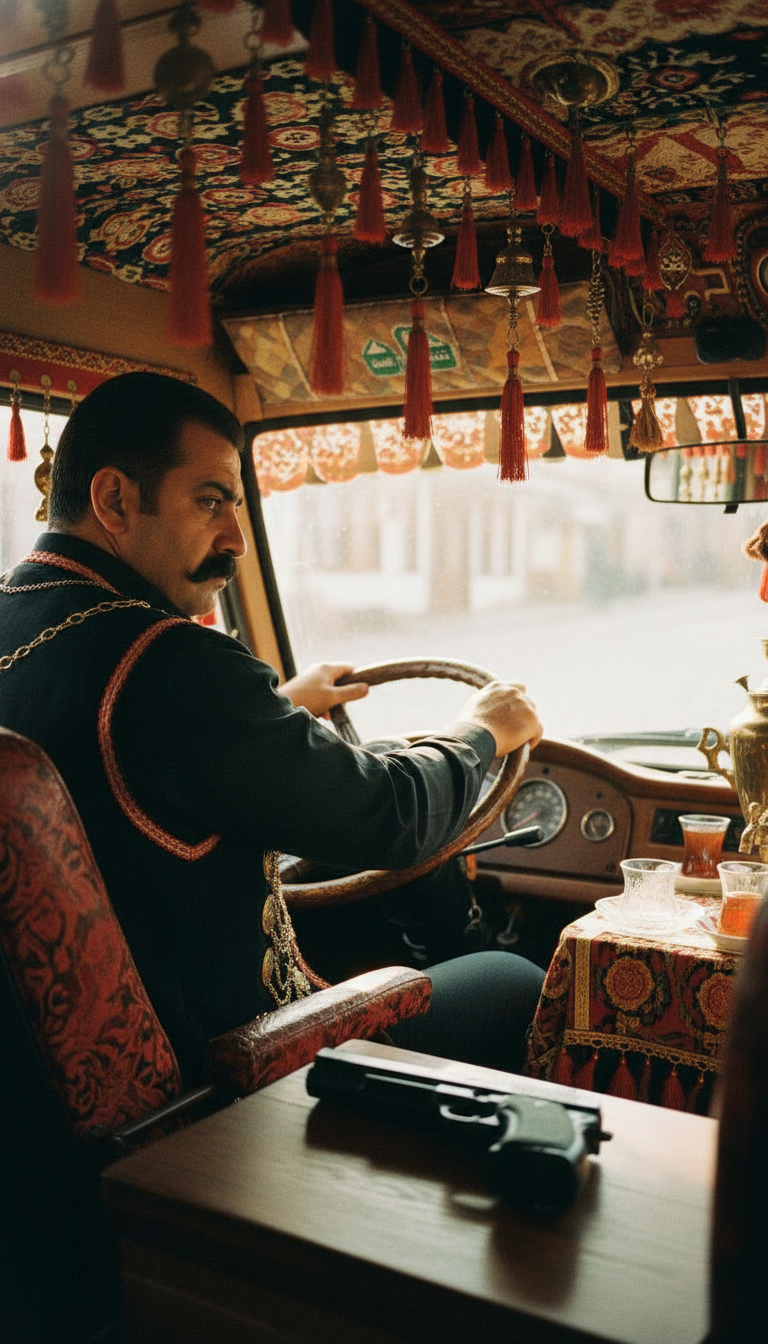
View from Dolmuş
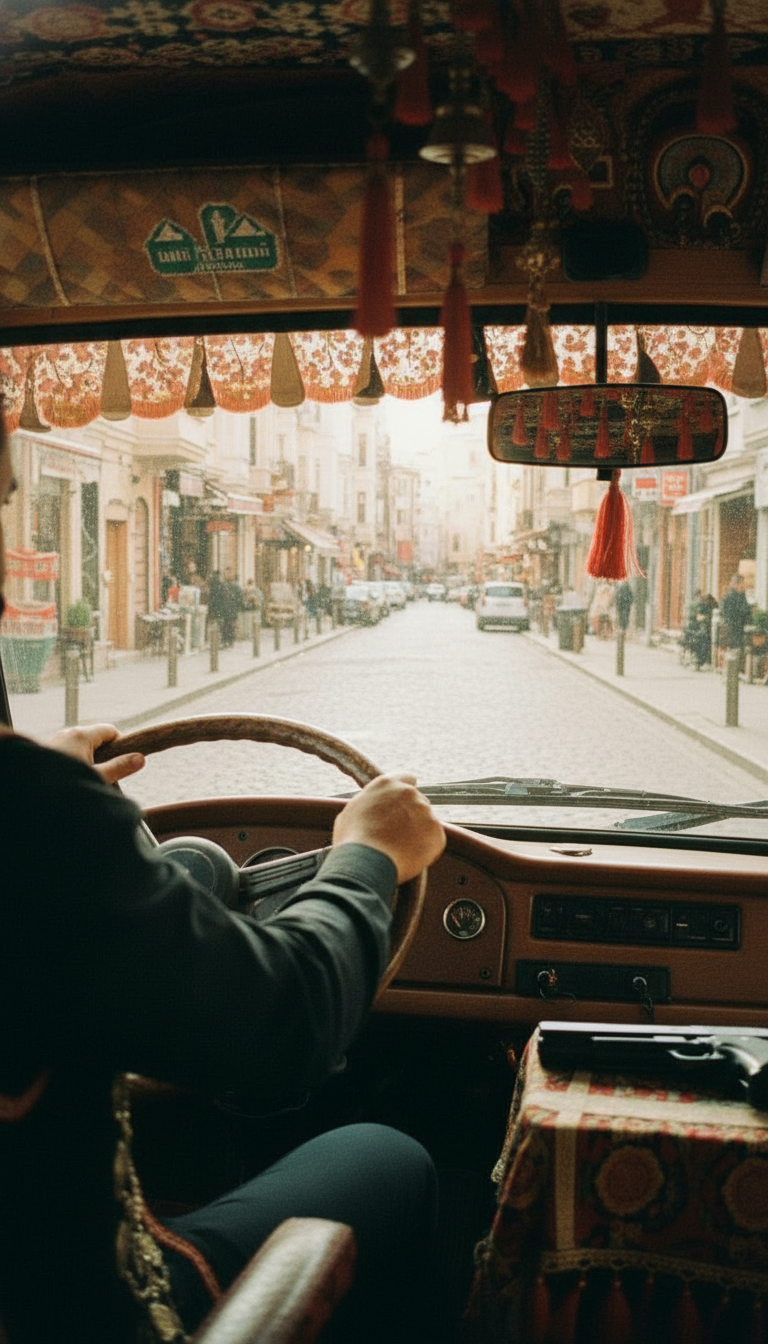
Behind the Wheel
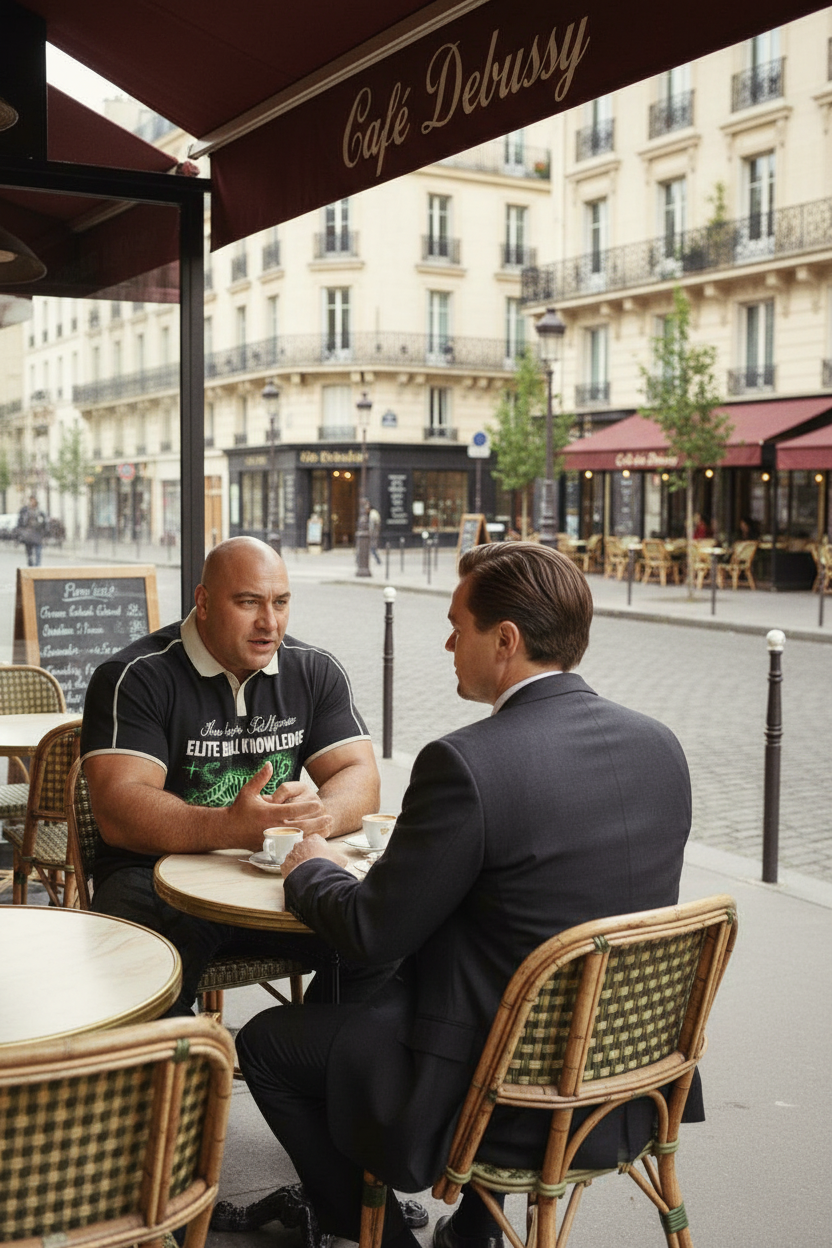
Café Debussy Arrival
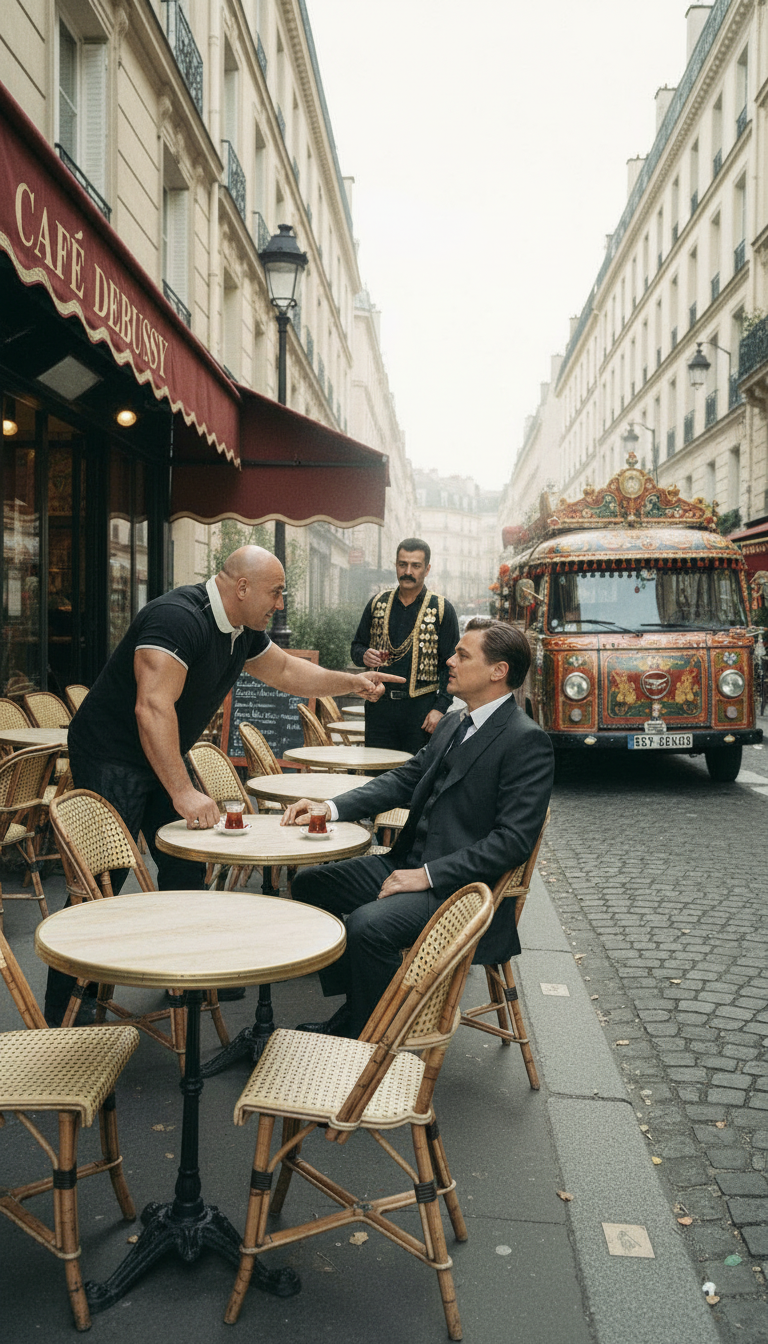
Three-Way Standoff
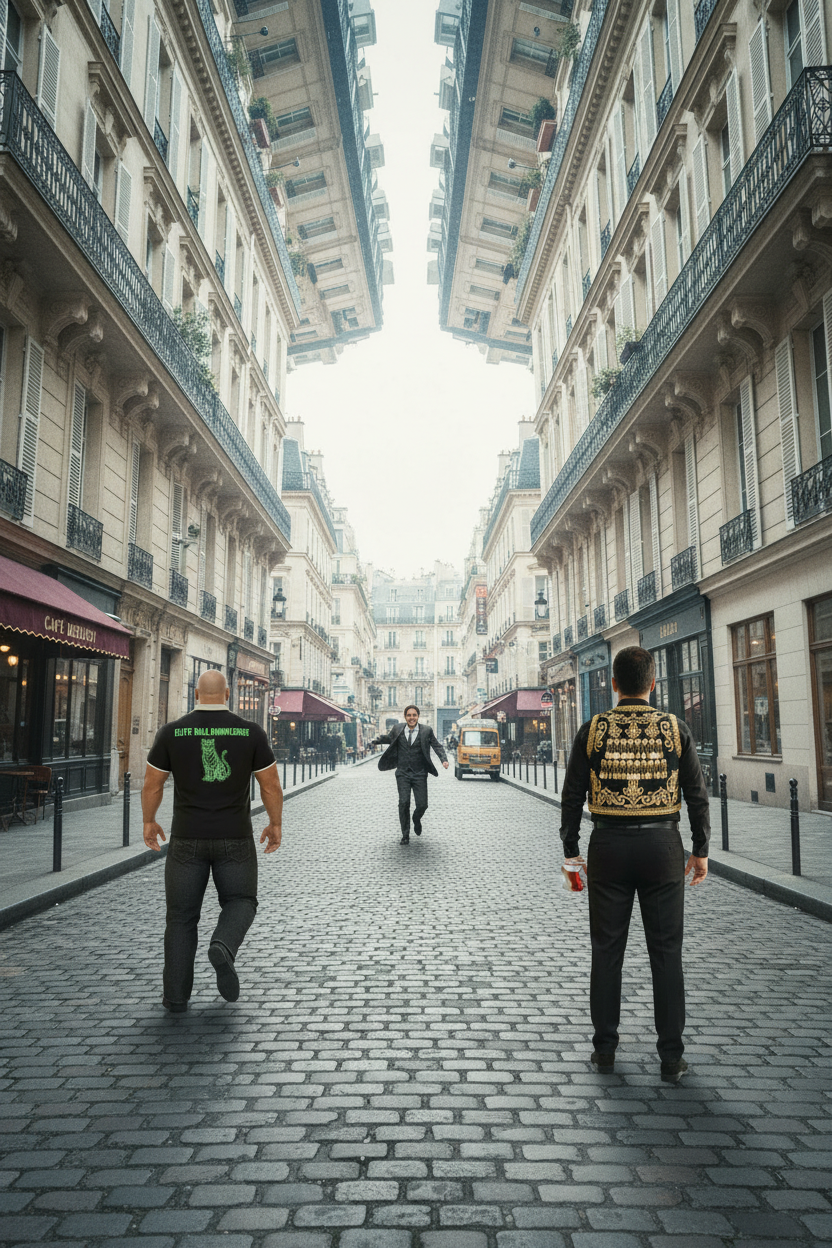
Chase Through Fold
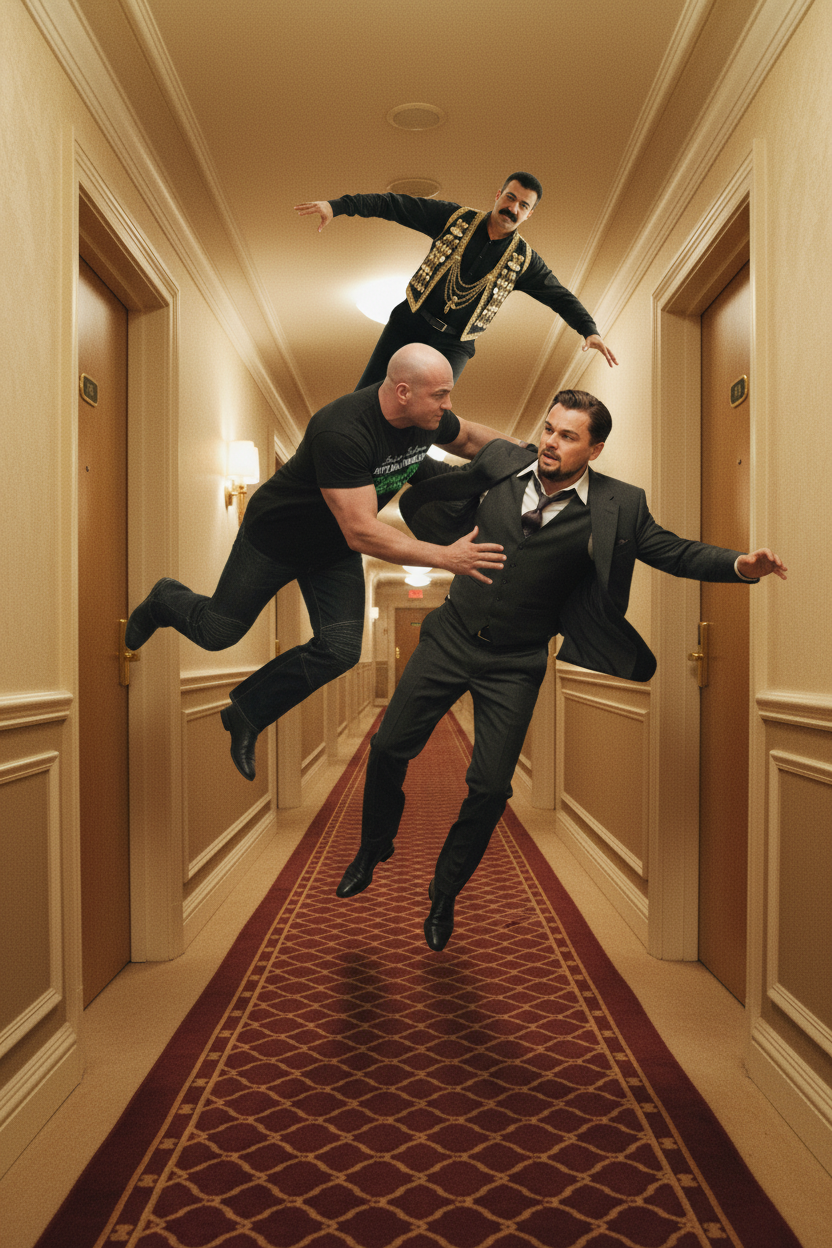
Mirror Dreamscape
Scene 8
Payment Due
Synopsis: Two enforcers - Olum Dolum (Turkish tea vendor) and Selim Kerimov (Azerbaijani enforcer with Elite Ball Knowledge) - pursue Leonardo DiCaprio's character through a dreamlike Parisian landscape that folds and mirrors upon itself, combining traditional street culture with Inception-style impossible architecture.
The best way to understand the character isolation system is to see it in action. Below is "You owe OLUM money OLUM" - an 8-scene chase sequence that demonstrates how two isolated characters can be deployed across multiple scenes with perfect consistency.
Each character was generated once using create_characters, producing 3D collectible renders and realistic portraits with front and back views. These isolated characters are then referenced across all 8 scenes without regenerating them - demonstrating the core workflow.
The Story Demonstrates
Two characters isolated once, then cast across 8 different scenes - from ornate vehicles to Parisian cafés to impossible dreamscapes. Same faces, different contexts, zero regeneration. Reference by number: --reference character_1_real.png
The Characters: Isolated Once, Cast Everywhere
These two characters appear across all 8 story scenes. They were generated once and stored in the character library - every scene references these same files.
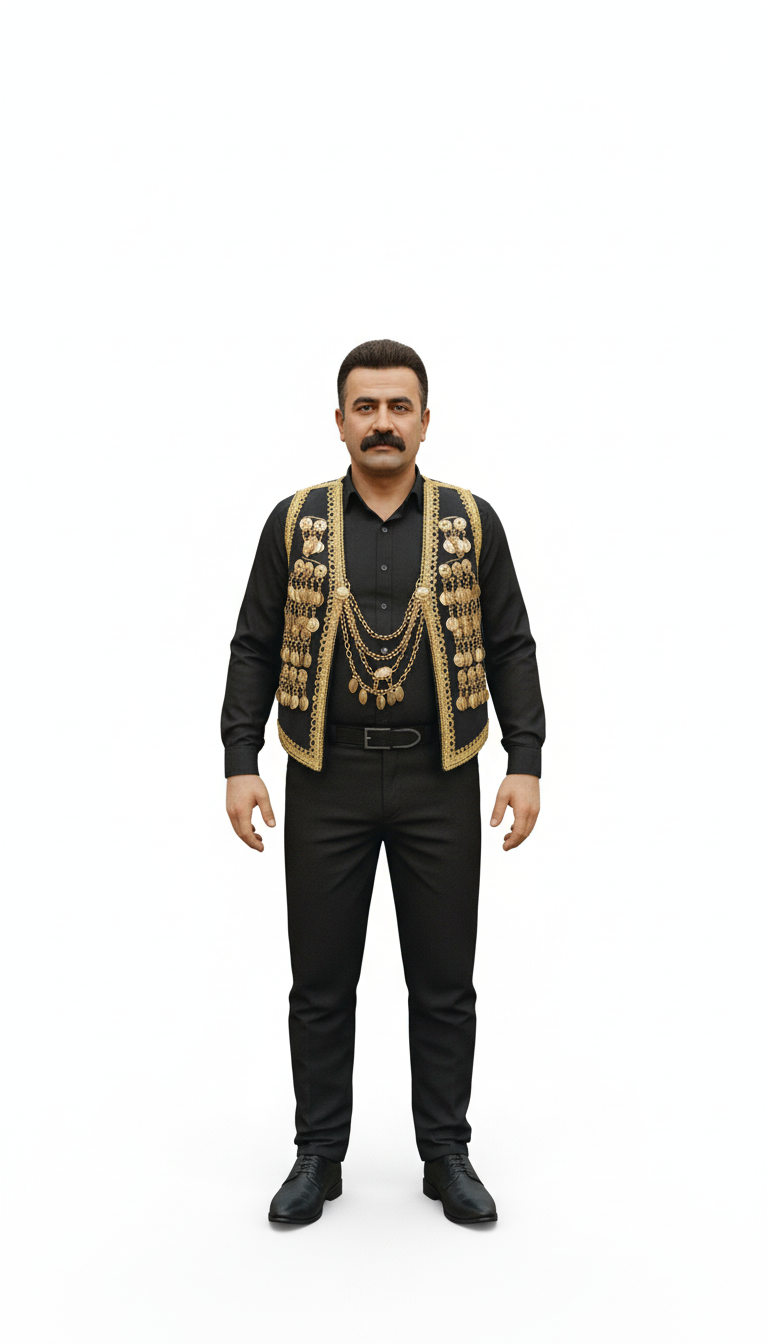
_3d.png
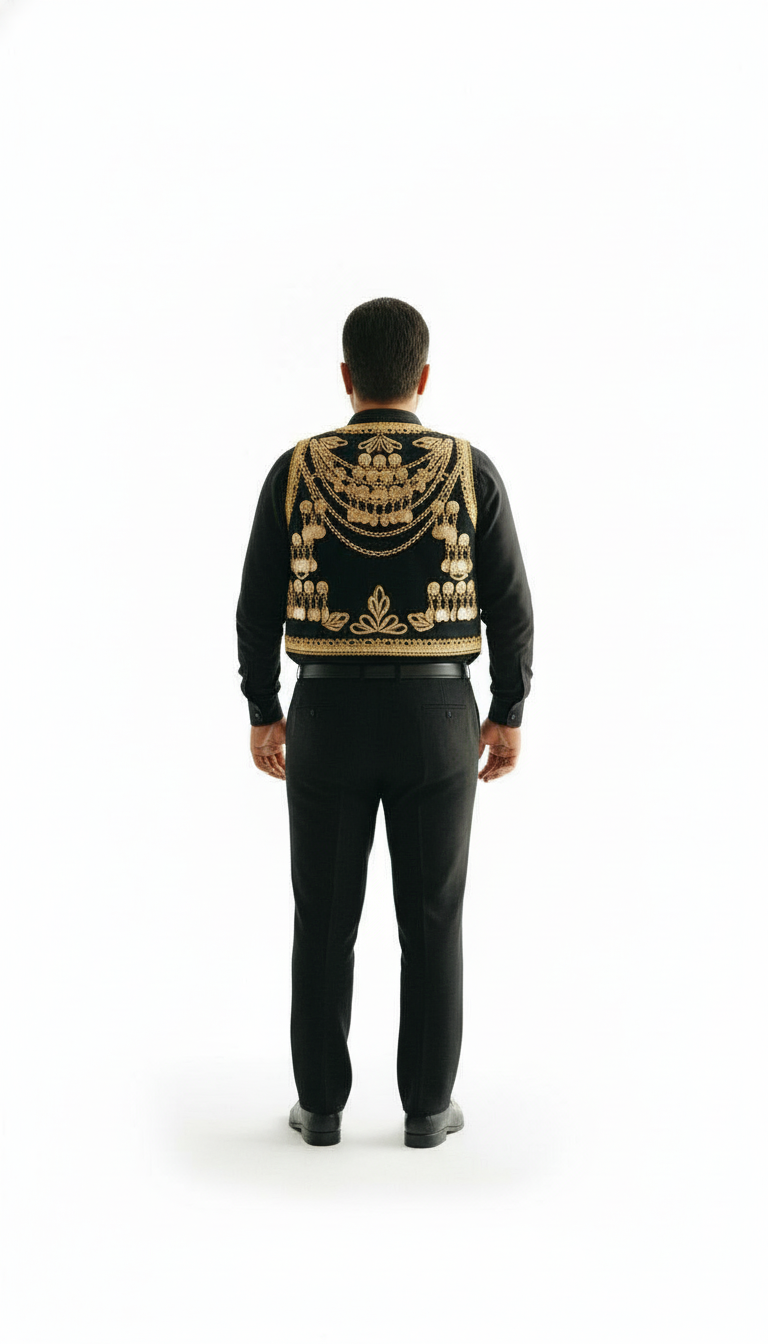
_3d_back.png
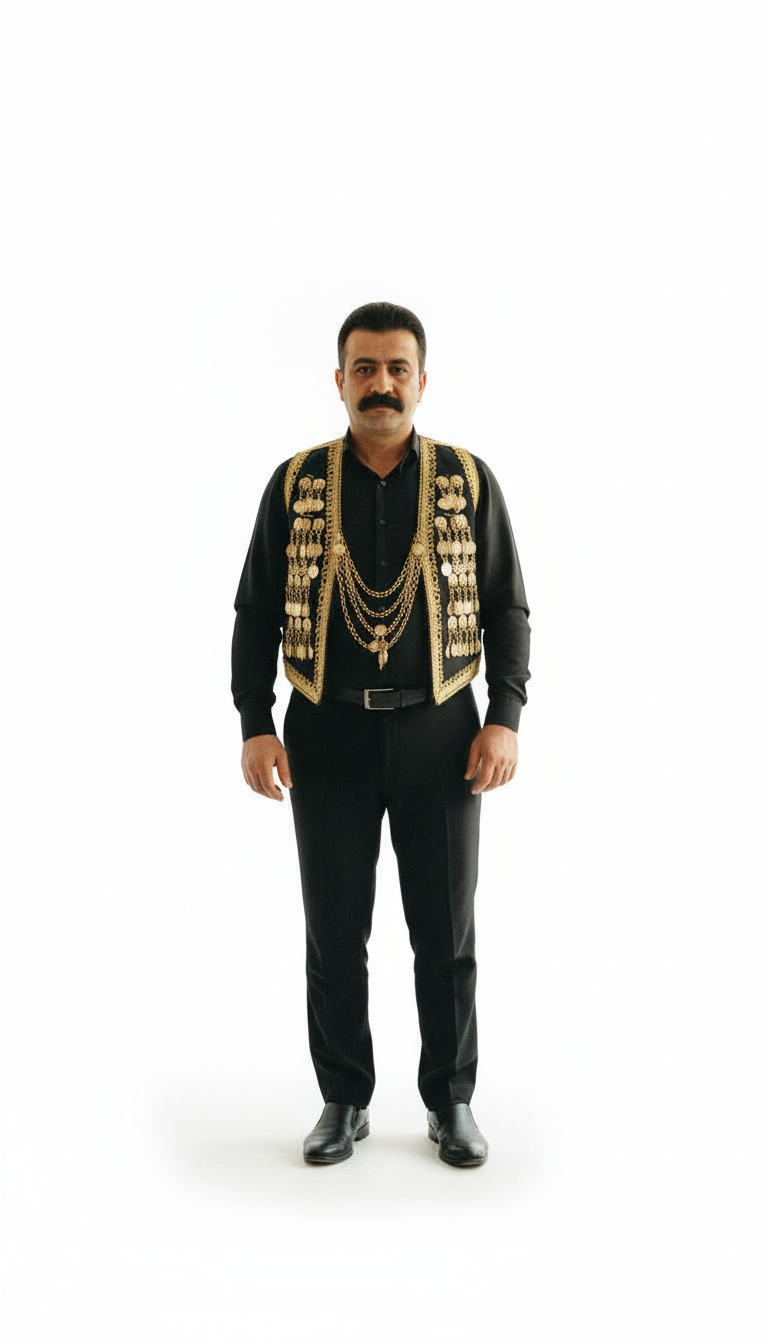
_real.png
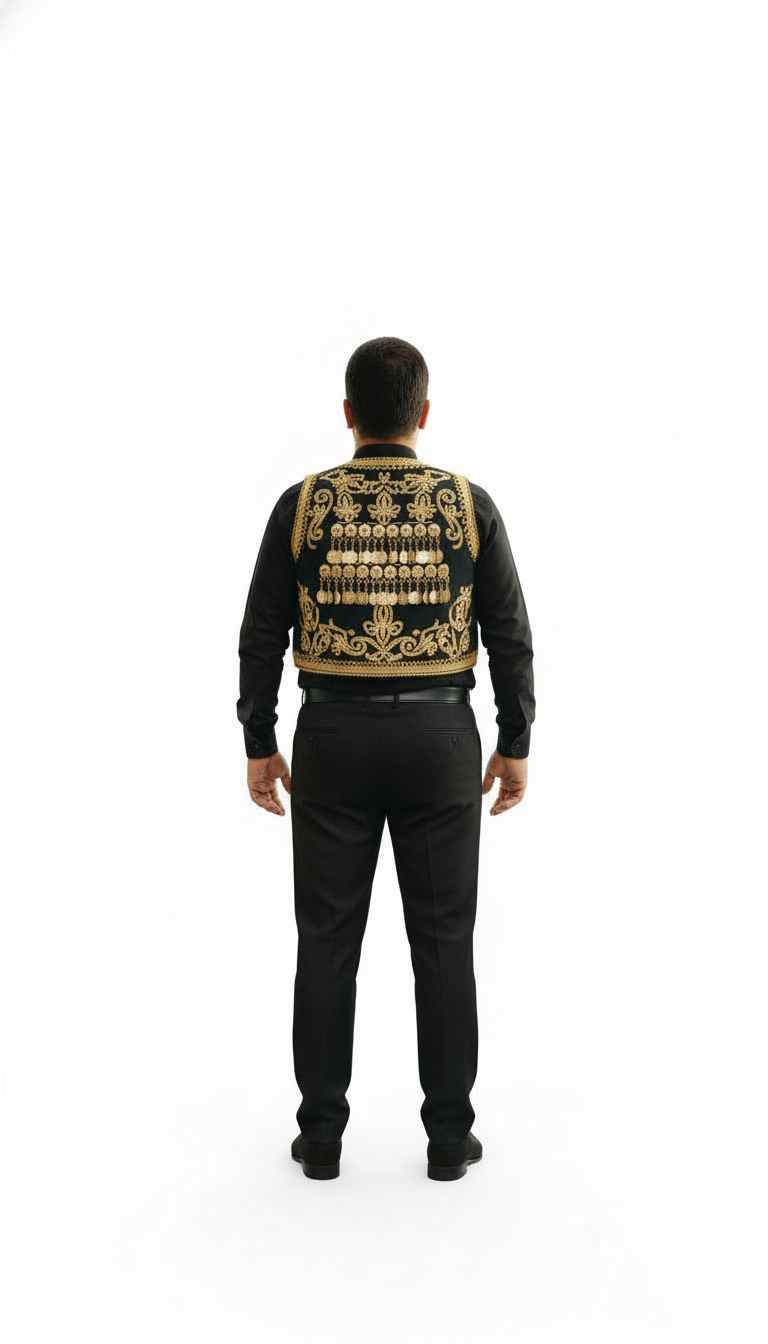
_real_back.png
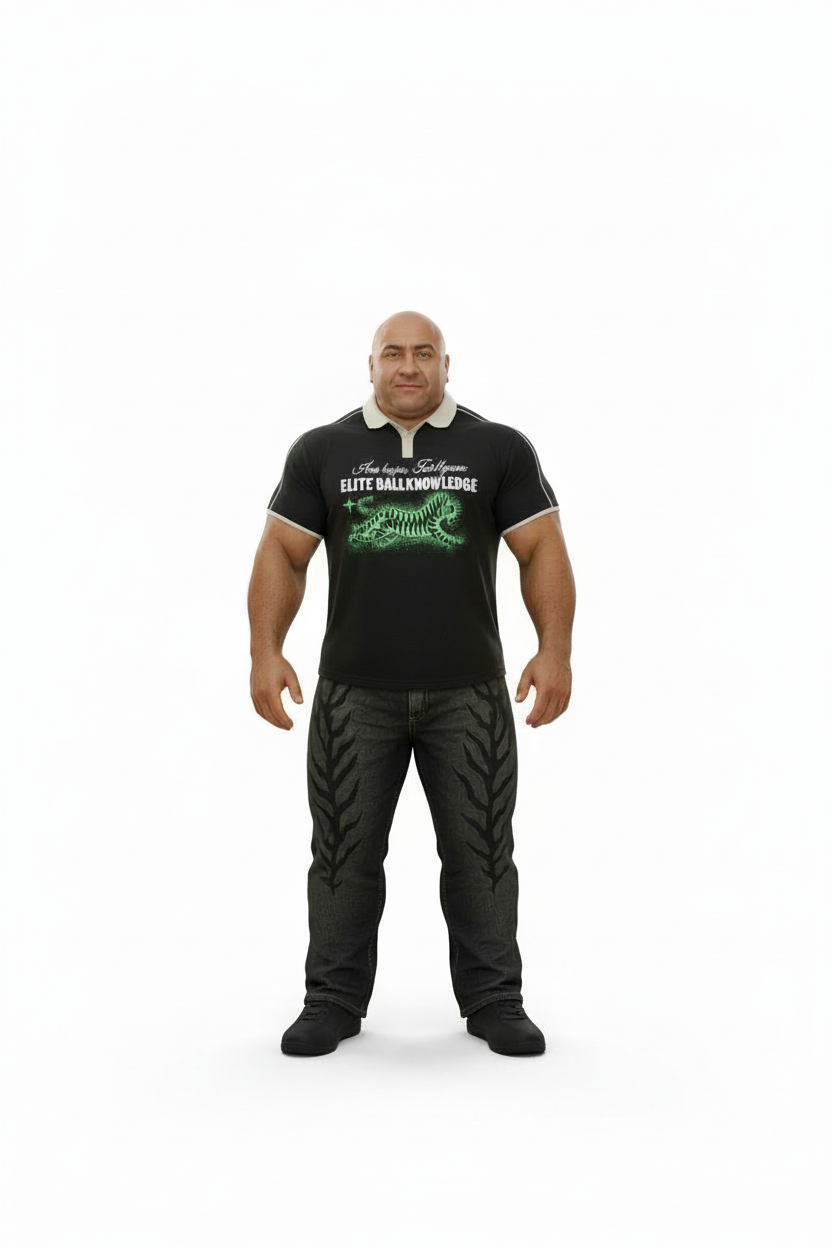
_3d.png
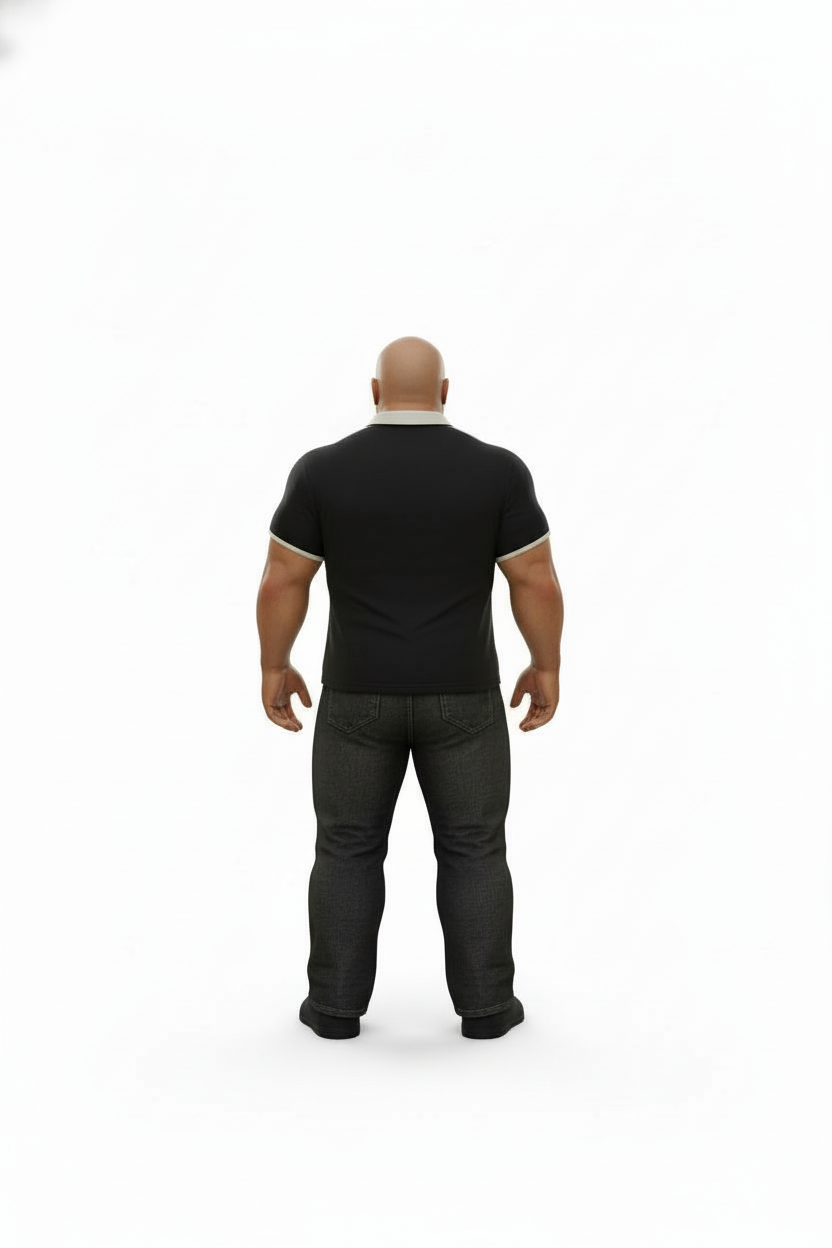
_3d_back.png
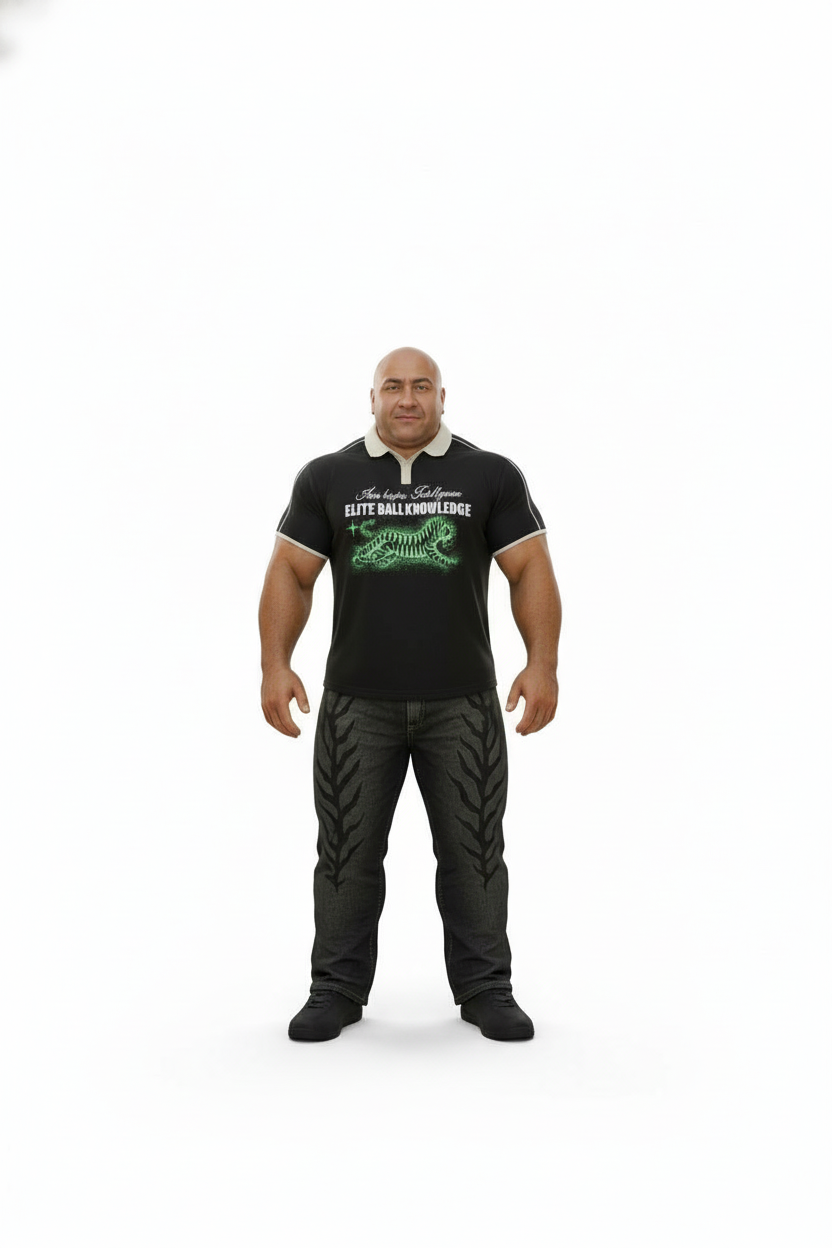
_real.png
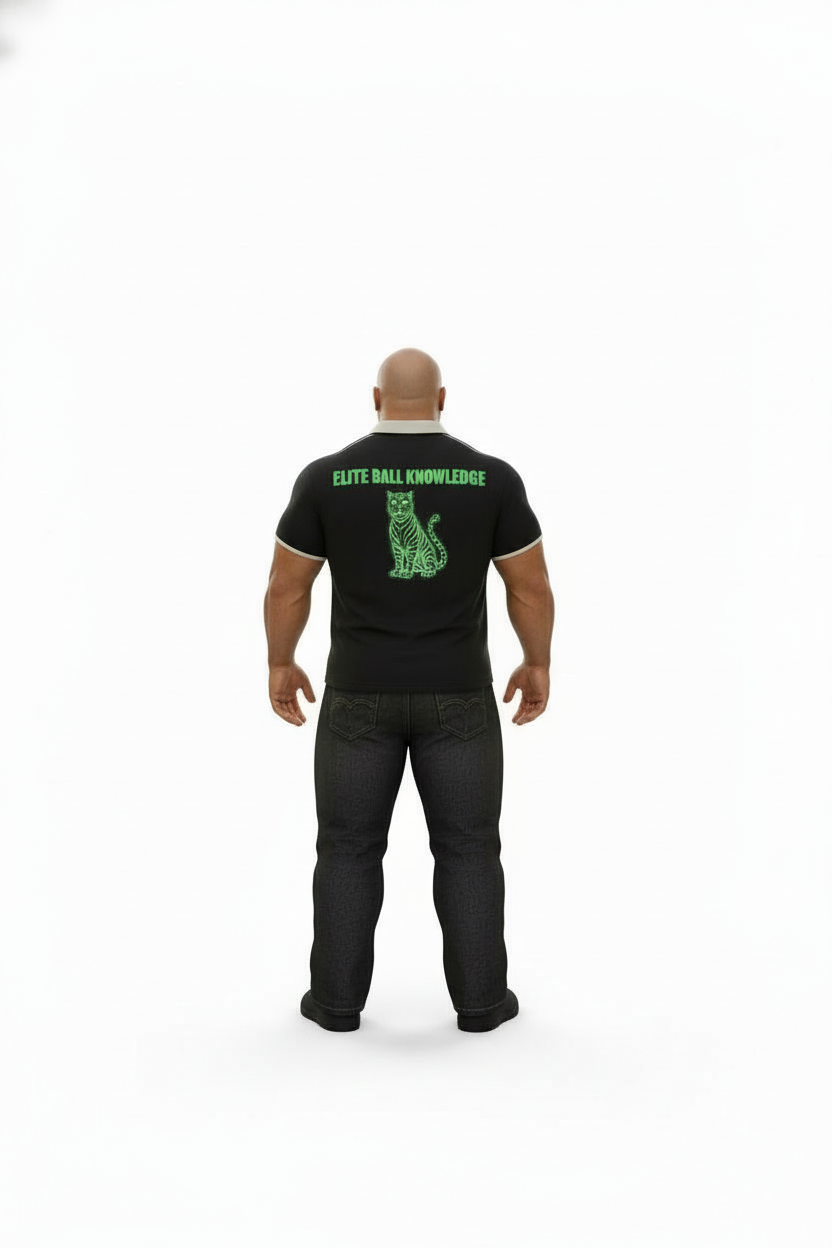
_real_back.png
How It Works: Four Steps
This story demonstrates the complete workflow - from character creation to multi-scene deployment
Create Character Library (Front Views)
python manage.py create_characters --reference image.png --project my_project
Generates character_N_3d.png + character_N_real.png
Generate Back Views (Optional)
python manage.py create_characters --character 1 --project my_project --back-view
Creates character_N_3d_back.png + character_N_real_back.png
Reference in Any Scene
python manage.py generate_quick --lpa-style style --character-3d 1 --project my_project
Or mix versions: --character-3d 1 --character-real 2 --character-real-back 1
Sequential Scene Numbering
All outputs auto-numbered: scene_1.png, scene_2.png, etc. with full metadata JSONs
System Features
Quad Versions
3D (front + back) + realistic (front + back) for every character
Auto-Numbering
Characters and scenes sequentially numbered with metadata
Project-Based
Organized folders: project/characters/ for easy management
Cost Efficient
$0.070 per version pair (front views), $0.070 for back views, reuse infinitely
Implementation
create_characters uses Nano Banana to generate isolation variants from reference image(s):
- • 3D Render (Front): Collectible figure aesthetic, studio lighting, soft shadows, front-facing pose
- • 3D Render (Back): Same aesthetic, viewed from behind showing rear of character
- • Realistic Portrait (Front): Professional photography, natural lighting, full body standing pose
- • Realistic Portrait (Back): Same photography style, rear view with back of head visible
All saved to project/characters/character_N_[3d|real][_back].png with full metadata JSONs for tracking generation parameters, costs, and timestamps. Back views are generated on-demand using front views as reference for perfect consistency.
